Business Card Mockup – A Powerful Tool for Showcasing Your Brand in Real-World Scenarios
When it comes to branding and marketing, visuals matter. Whether you're a small business owner, a creative professional, or an entrepreneur launching your first product, having the right tools to present your work can make all the difference. One such tool that has gained popularity in recent years is the Business Card Mockup. But what exactly is it, and how can it help you in practical situations? Let’s dive into real-world use cases and explore how different users across industries benefit from using high-resolution Business Card Mockups.
What Is a Business Card Mockup?
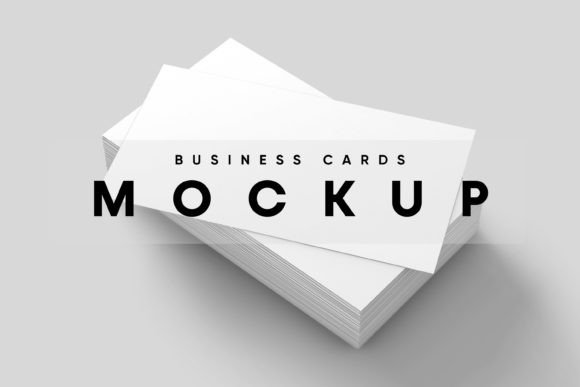
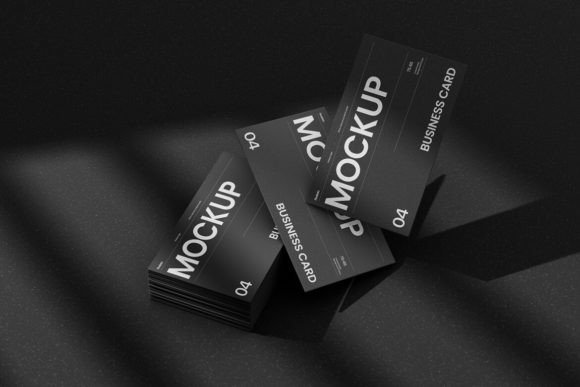
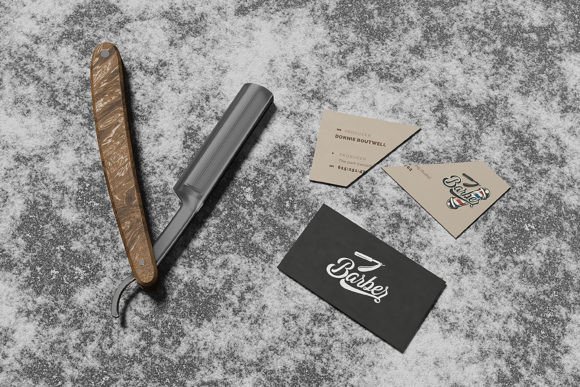
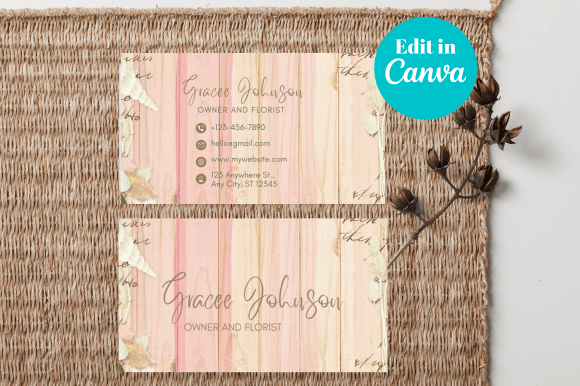
A Business Card Mockup is essentially a digital template that allows you to visualize how your actual business card will look once printed. These mockups are usually provided as high-resolution JPEG images and are designed to be used with graphic editing software like Photoshop, Canva, or even Figma. The idea is simple: drop your design into the placeholder area of the mockup and instantly see how it appears in a realistic setting.
The best part? You don’t need advanced skills to use them — just a basic understanding of image editing tools. Many mockups come with clear instructions on where to place your artwork, making it easy to customize and share quickly. This makes Business Card Mockups a go-to solution for anyone who wants to create a professional impression without investing time in complex 3D rendering or photography.
For Entrepreneurs and Startups
Entrepreneurs often have limited budgets but big ideas. When pitching to investors or attending networking events, presenting a polished business card is crucial. Using a Business Card Mockup, they can quickly show off their brand identity in a professional format. For example, a startup founder designing a new logo can use a mockup to present a realistic version of the card before printing, ensuring the colors and layout meet expectations.
Another scenario involves using mockups during product demos. Imagine showcasing a new app at a tech conference — you can print out mockups as handouts or display them digitally, giving attendees a tangible sense of the brand experience.
For Creative Professionals
Graphic designers, photographers, and illustrators frequently rely on Business Card Mockups to demonstrate their work. If you’re offering design services, a well-crafted mockup can serve as a portfolio piece. Clients can see how your designs translate into physical form, helping them decide if your style aligns with their needs.
Photographers might use a mockup to feature their logo on a sleek black matte card, placed next to a camera or lens. This visual cue helps potential clients connect the brand with the service immediately. Similarly, an illustrator could showcase their signature style by placing it on a textured card in a studio-like setting, reinforcing their artistic identity.
In E-commerce and Product Launches
E-commerce businesses often sell custom-designed products, including personalized business cards. Here, mockups become essential for displaying sample outputs to customers. For instance, a boutique selling handmade stationery might use a Business Card Mockup to show how a customer's name and logo would appear on a finished product. This builds trust and reduces uncertainty before purchase.
During product launches, especially for lifestyle or fashion brands, mockups can be used in social media campaigns. Posting a high-quality image of a model holding a branded business card in a stylish mockup adds a layer of authenticity and professionalism that static text or logos alone can't achieve.
For Event Promotion and Marketing Campaigns
Event planners and marketers love using mockups to promote upcoming conferences, workshops, or seminars. A Business Card Mockup can double as a teaser image when shared online. Think of it this way: instead of sending out plain flyers, imagine creating a mockup where the event details are subtly embedded in a business card format held by a person at a desk or in a vibrant crowd. It catches attention and clearly communicates the message.
Similarly, non-profits and NGOs can leverage mockups to distribute information about volunteer opportunities or donation drives. By integrating their mission statement or key visuals into a mockup, they create a compelling call to action that stands out among generic emails or brochures.
Academic and Professional Networking
Professors, researchers, and students in academic settings can also benefit from Business Card Mockups. At university events or industry conferences, these mockups allow individuals to present themselves more professionally. For example, a graduate student might use a mockup to include their thesis title and contact info on a card, which they can then share with potential advisors or collaborators.
Even within educational institutions, departments can create mockups for open house days or recruitment fairs. A clean, visually appealing mockup featuring course highlights or faculty names can leave a lasting impression on prospective students.
How Different Industries Benefit from Business Card Mockups
- Marketing Agencies: They use mockups to present client proposals in a more engaging way. Instead of showing flat designs, they can embed them into realistic scenarios, such as a card resting on a table with other promotional materials nearby.
- Freelancers: From copywriters to web developers, freelancers can showcase their personal brand through mockups. A developer might create a minimalist mockup with their LinkedIn profile and a QR code linking to their portfolio.
- Restaurants and Cafés: These businesses can use mockups to display menu samples or reservation cards. A mockup of a vintage-style card placed beside a coffee cup can evoke the right ambiance and encourage sharing on platforms like Instagram.
- Real Estate: Real estate agents can personalize mockups with property highlights or client testimonials, turning a standard business card into a mini-brochure.
Strengths and Limitations of Business Card Mockups
One of the biggest strengths of Business Card Mockups is their ability to convey professionalism and creativity simultaneously. Unlike traditional photos of physical cards, mockups offer consistent lighting, angles, and backgrounds — no need to worry about shadows or poor resolution. Plus, they save time and money since you don’t need to print multiple versions for feedback or revisions.
However, there are some limitations. First, while most mockups are easy to edit, you still need access to image editing software. Second, not all mockups support transparent layers or smart objects, which can restrict customization options. Lastly, overuse of mockups can sometimes lead to a generic feel if the templates aren’t unique or tailored to the brand’s personality.
Choosing the Right Business Card Mockup for Your Needs
With so many options available online, selecting the perfect Business Card Mockup depends on your specific goals and audience. Ask yourself a few key questions before choosing one:
- Who is my target audience? Will they respond better to a formal or casual look?
- Where will I use this mockup? On social media, in presentations, or for client proposals?
- Do I need a single-side or double-sided mockup? Some mockups only allow one side to be edited, others let you add back content too.
- What is the resolution? Ensure it’s high enough for print or digital publishing.
For example, if you’re targeting corporate clients, a classic leather-bound or wooden surface mockup may suit your brand better than something flashy. On the other hand, if you run a trendy boutique or digital agency, a modern, glossy finish with dynamic angles might resonate more with your audience.
Common Considerations Before Using a Business Card Mockup
Before jumping into using a Business Card Mockup, consider the following:
- Design Consistency: Make sure your design matches the tone and style of the mockup. A mismatched aesthetic can confuse viewers and dilute your brand message.
- Software Compatibility: Check if the mockup works with the software you’re using. Most mockups are compatible with Adobe Photoshop, but some may require additional plugins or adjustments.
- Mockup Quality: Opt for high-resolution JPEG images to maintain clarity, especially if you plan to print or use the mockup in presentations.
- Placement Accuracy: Pay attention to how your image fits into the mockup. Misaligned or poorly scaled designs can look unprofessional.
Once you’ve considered these factors, the process becomes smooth and efficient. Simply open the mockup file, locate the placeholder layer (often labeled “artwork”), replace it with your design, and export the final result. That’s it!
Practical Examples of Business Card Mockup Usage
Let’s take a few real-life examples to understand the value of Business Card Mockups better:
Example 1: A wedding planner uses a mockup of a gold foil business card placed inside a vintage frame to market her services on Pinterest. The elegant design attracts couples looking for upscale vendors and increases her website traffic by 40% in a month.
Example 2: A local gym owner creates a mockup of a business card with his logo and training schedule, displayed on a locker room wall. He shares it on Facebook and sees a 25% rise in inquiries after the post goes viral.
Example 3: A freelance writer updates her LinkedIn profile with a mockup of her business card sitting beside a laptop and notebook. Recruiters comment that it gives a strong impression of professionalism and approachability.
Final Thoughts on Making the Most Out of Business Card Mockups
Using a Business Card Mockup isn’t just about aesthetics — it’s about creating a bridge between your digital design and real-world application. Whether you’re trying to impress clients, stand out at an event, or simply test your layout before printing, a high-resolution mockup can be your secret weapon.
Remember, the goal is to reflect your brand accurately and authentically. Choose mockups that align with your message and ensure your design elements are clear and readable. With the right approach, Business Card Mockups can elevate your listings, portfolios, and marketing efforts effortlessly.